The first time I put a route on the Garmin Edge 540, I did it at my desk on a Thursday night with a cup of coffee going cold beside the keyboard. I am 67, a retired shop teacher in Prescott, Arizona, and I had never owned a GPS computer. For years my navigation was a paper cue sheet folded into the map holder and a phone in my jersey pocket. That worked until the fall day about two and a half years ago when an 80 mile ride left me sore, with a flat I fought on the shoulder and a wrong turn on the way home. I bought the Garmin in the first week of March after that, along with a few other pieces of kit, and I have used it for about two years. This is what held up.
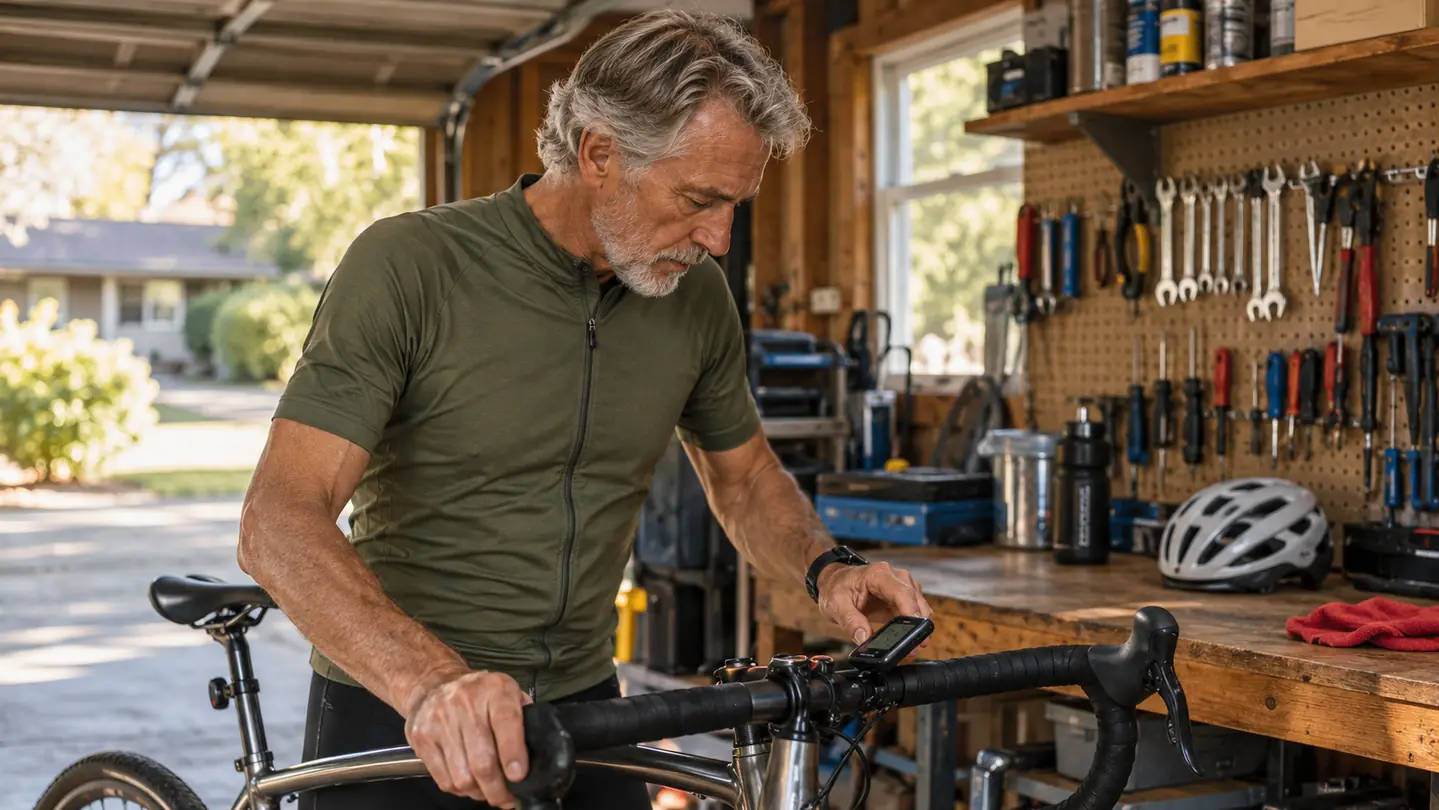
I ride 50 to 70 miles on the roads around Prescott and Chino Valley about twice a week, spring through fall, and I get in about 4,000 miles a year. My longest single day is near 100 miles. Prescott sits at about 5,400 feet, so most rides have real climbing in them. I ride alone some of the time. My riding partner Ed, 70, a retired mail carrier, joins me on many of the long days. I do my own wrenching at a bench in the garage. I am not a racer, I do not own a power meter, and I have no interest in a training plan. I wanted a computer that would show me where to turn, how much climb was left, and how far I had gone. The Garmin Edge 540 does those things.
The Quick Verdict
A button-controlled navigation tool that has been steady for about 8,000 miles, with a screen and menus that ask for patience.
Amazon Check Today's Price →The computer I stopped thinking about by mile 20
I bought my Garmin Edge 540 myself and have run it for about two years. The 2.6 inch screen, button controls, and up to 26 hours of battery are the reasons it stays on the stem. It is not a touchscreen, and I do not miss one with gloves on.
Amazon See the Garmin Edge 540 on Amazon →How I've Used It
I bought this unit myself in the first week of March about two years ago. Nobody gave it to me, and I did not get a discount for saying anything. It has been on the bike for roughly 8,000 miles now, through two full seasons and a third spring. I have used it on every long ride since, and on the shorter winter loops when the roads are clear. The first month I kept the paper cue sheet folded in the seat bag as a backup. By the second month I stopped carrying it.
The mount that came in the box has stayed on the stem. The unit is 2.8 ounces, so it does not make the front end feel heavy. I take it off when I park the bike in town, and it goes back on with the same quarter turn. I have not had it bounce loose on washboard pavement or on the rough chip seal north of town. That is the whole installation story. It is not complicated, and I like that.
Learning the buttons took about two weekends. I am not quick with menus, and the first few rides had me stabbing at the wrong button and losing the screen I wanted. I sat at the kitchen table with the manual open and walked through the pages one at a time. After that it became routine. I still would not call the menus fast. They are deliberate. If you are the kind of person who wants to swipe and tap, this is not that. If you want a button you can find by feel, it is.
The Buttons, the Screen, and My Older Eyes
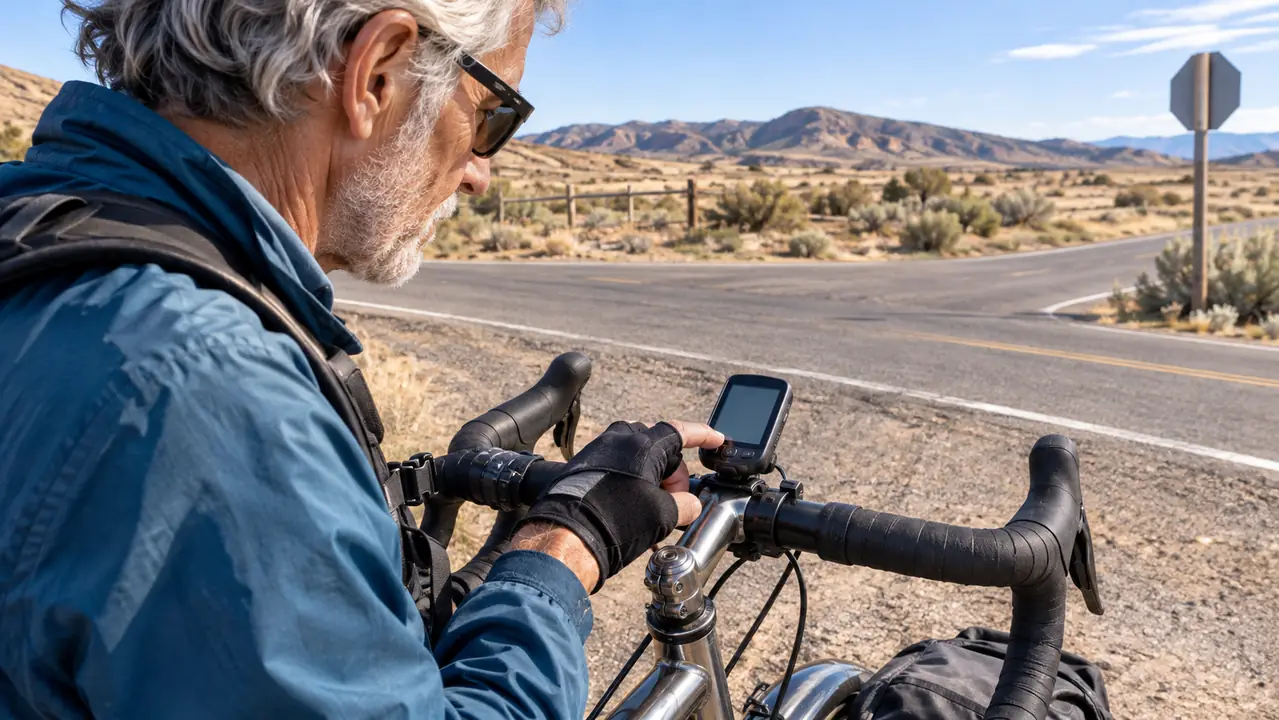
Every control on the Garmin Edge 540 is a button. That was the main reason I picked it. My hands get sore on long days, and a touchscreen would have me pulling a glove off at the side of the road. The buttons give me a firm click, and I can work them without looking down for long. I do not have to lick my thumb or wipe the screen. I just press.
The screen is 2.6 inches. It is an LCD, and it is not a phone. With my reading glasses I can read the distance, the route line, and the climb data. Without them, the smaller text blurs, and I have to squint. That is an honest limitation of my eyes, not a defect in the unit, but it matters for riders my age. If you already use readers for a menu, you will use them for this. I keep a cheap pair in the seat bag now. That is the fix.
The button menus are the slow part. Changing a setting takes more presses than I would like. I have learned the two or three screens I use and I stay there. I do not fiddle with the rest while I ride. At a stop, with time, I can find anything. In motion, I keep it simple. That is how I would tell anyone to use it. Learn your three screens, ignore the rest until you are home.
Navigation on Roads I Already Know
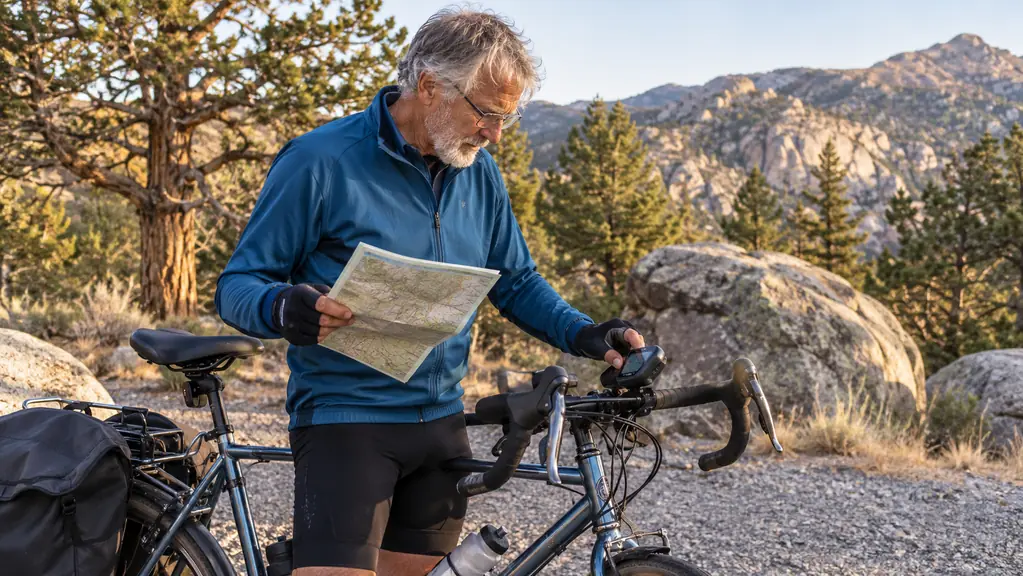
I plan routes at my desk the night before. I lay out the roads on my home computer, send the route over, and in the morning it is on the Garmin. I have the North America maps on the 16 GB of memory, and the map page shows the route line and my position. I do not need turn by turn barking at me. I need to see the line and know when I have drifted off it. On the roads around Chino Valley, that is enough.
Before this, I had the paper cue sheet and a phone. The cue sheet was fine until the wind got under it. The phone was fine until I needed it for a call or the battery ran down. The wrong turn on the way home from that 80 mile day was a direct result of guessing at a junction. I have not made that same guess since. The route line is not a voice in my ear. It is a line on a screen. That is all I want.
I paired it with my phone by Bluetooth. The pairing has held. I keep the phone in my jersey pocket and I do not use the Garmin for messages. I know some riders want all of that on the screen. I do not. I want the map, the distance, and the climb. The rest is noise to me. The Bluetooth connection matters because it lets me send the route over without a cable. That is the job I ask it to do.
ClimbPro on the Grades Around Prescott
ClimbPro shows the remaining ascent and the grade when I am on a climb. That one feature has changed how I ride the grades around Prescott. I have a left knee that complains on steep pitches. I am not a doctor and I make no medical claims, but I know when I have gone too hard too early. The climb screen tells me how much is left. I can settle into a gear and pace myself instead of guessing.
On a short rise, it is not a big deal. On a longer climb, it is the difference between finishing strong and limping home. I can see the grade when it kicks up, and I can see the ascent left. If the top is close, I push. If it is not, I save something. That is plain arithmetic, and it helps an old knee. It does not make the hill shorter. It makes my effort less stupid. If a knee or hand pain does not clear up, see your doctor. I am not one.
The unit can show daily suggested workouts and training prompts. I do not use them. I am not training for an event, and I do not own a power meter. I bought this for navigation and for climb data, and that is what I use. If you are the kind of rider who wants a coach on the bars, the screen will show that. I would rather have the map. That is my bias, and I am telling you up front.
Battery, Weather, and Two Years of Wear
The battery is rated at up to 26 hours in demanding use and up to 42 hours in battery saver mode. I have never run it to zero on a ride. My longest days are around 100 miles and they take most of a day, but they do not come close to 26 hours. I charge it by USB from a battery brick in the garage. I top it off before every long ride out of habit. The battery has not been the reason I cut a ride short.
It has been in rain, dust, and cold morning air. It has been on the bike when I hit a stretch of rough pavement that rattled my teeth. It still works. I am not going to claim it is indestructible, because I have not tested that. I can tell you it has not quit on me in two years of regular use. The buttons still click. The screen still comes on. That is what I need.
The case has a few fine scratches from being wiped with a glove. The mount has stayed tight. At 2.8 ounces it is light enough that I forget it is there until I need it. I would not call it a pretty piece of equipment. It is a tool, and it looks like one. I keep it clean and I put it away when the bike is on the rack. That is the whole care routine.
What I Liked
- Buttons work with gloves and cold hands, with no touchscreen to fight.
- Battery has lasted every 50 to 70 mile day, with up to 26 hours claimed and 42 in battery saver.
- ClimbPro shows remaining ascent and grade, which helps me pace a bad knee.
- The route line and North America maps have kept me off wrong turns.
- Bluetooth pairing with my phone has been stable for two years.
Where It Falls Short
- Button menus took two weekends to learn and still slow me down.
- The 2.6 inch screen is small for older eyes without reading glasses.
- Route planning is desk work the night before, not a quick tap on the bike.
- Training prompts and suggested workouts are wasted on me.
- The unit will not replace a phone.
I have about 8,000 miles on this Garmin, and the battery has never gone to zero on a ride.
Who This Is For
This is for the rider who is 50 or older and wants a plain navigation tool with buttons. If you ride 40 to 70 miles, if you have a stiff back or sore hands, and if you do not want to pull a glove off to swipe a screen, the Garmin Edge 540 makes sense. It is also for the rider who plans a route at the desk and wants it waiting on the bike in the morning. The 2.6 inch screen and the climb data are the parts I use every long day.
It is for the rider who is willing to learn a menu. The buttons are not hard once you know them, but they are not instant. I would tell a friend to give it two weekends and to set up the three screens he actually uses. After that it becomes a tool you check at stops and ignore while you ride. That is the point. I do not want a computer that asks for attention. I want one that answers a question and gets out of the way.
Who Should Skip It
Skip it if you want a touchscreen and a large display. The Garmin Edge 540 is a button unit with a 2.6 inch screen, and no amount of wishing will make it a phone. Skip it if you will not plan a route ahead of time. It will show the line, but it will not make the plan for you. Skip it if you refuse to wear reading glasses and you need small text at a glance. My eyes are 67 years old, and I carry readers. That is the honest answer.
I have a riding partner, Ed, who runs a Wahoo ELEMNT Bolt. I have watched him use it. I have not owned one, so I will not pretend to review it. If you want a different feel, look at his unit and my Garmin side by side. The right choice is the one you will actually use. For me, the buttons and the battery life settled it. For you, it might be something else. That is fine. I would rather you buy the unit that fits your hands than the one that fits my notes.
A plain tool that has earned its spot on the stem
If you want button controls, a 2.6 inch screen, up to 26 hours of battery, and ClimbPro to show what is left of a climb, the Garmin Edge 540 is worth a look. I bought mine, I have ridden it for about 8,000 miles, and I would buy it again.
Amazon See the Garmin Edge 540 on Amazon →